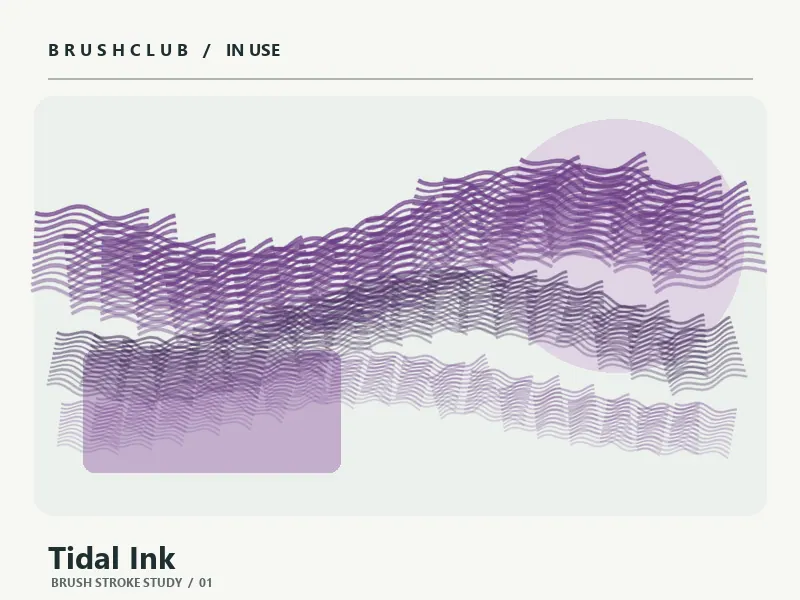
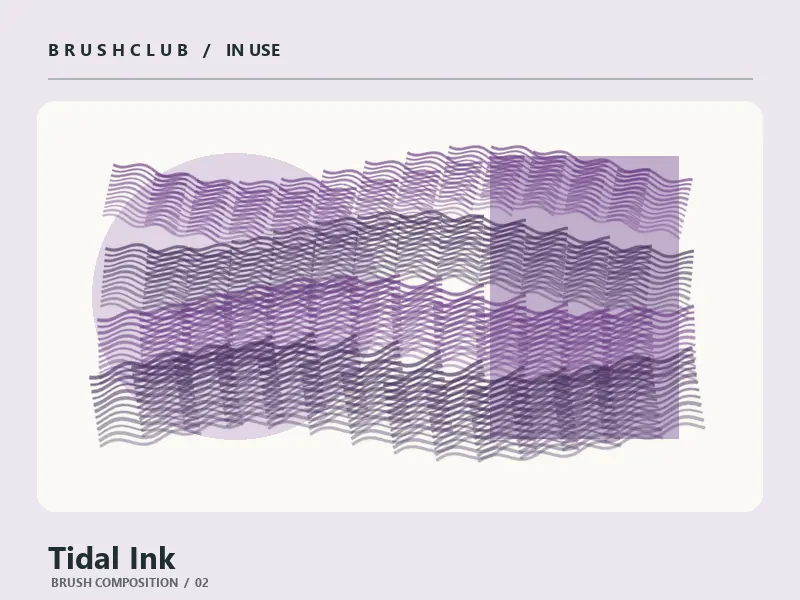
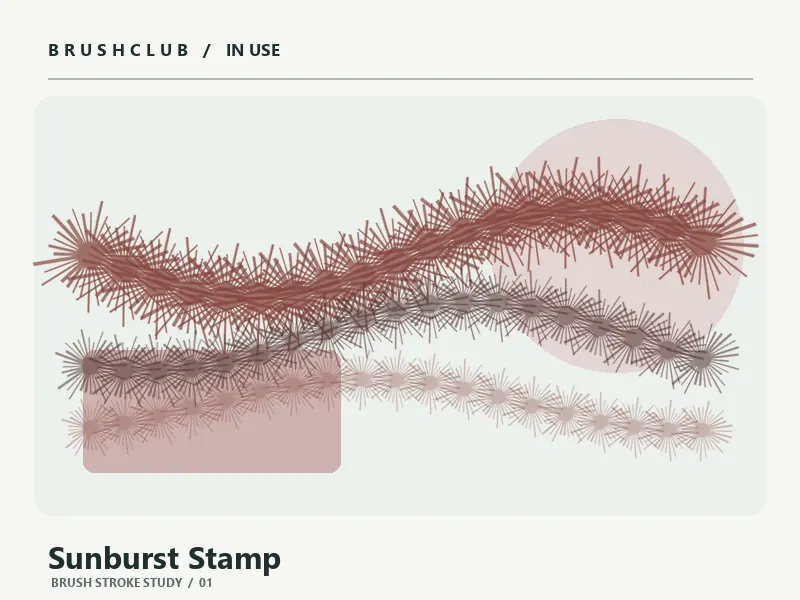
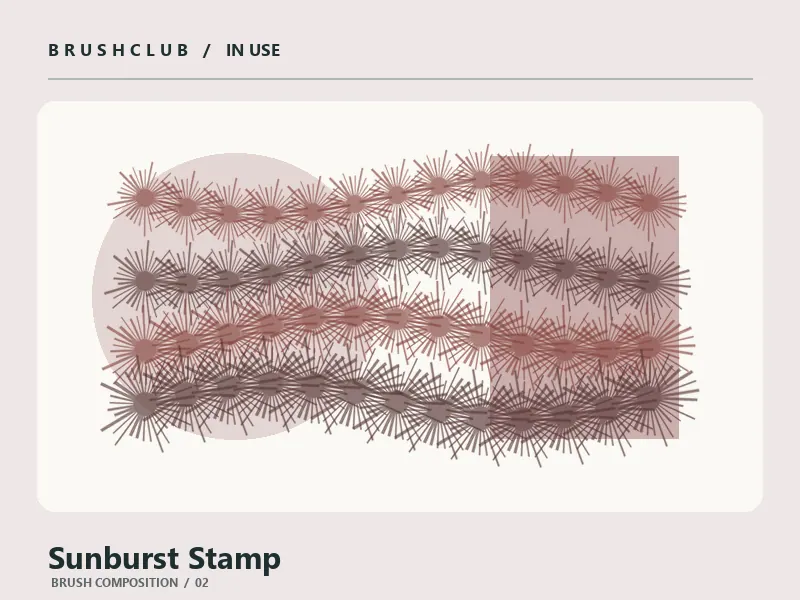
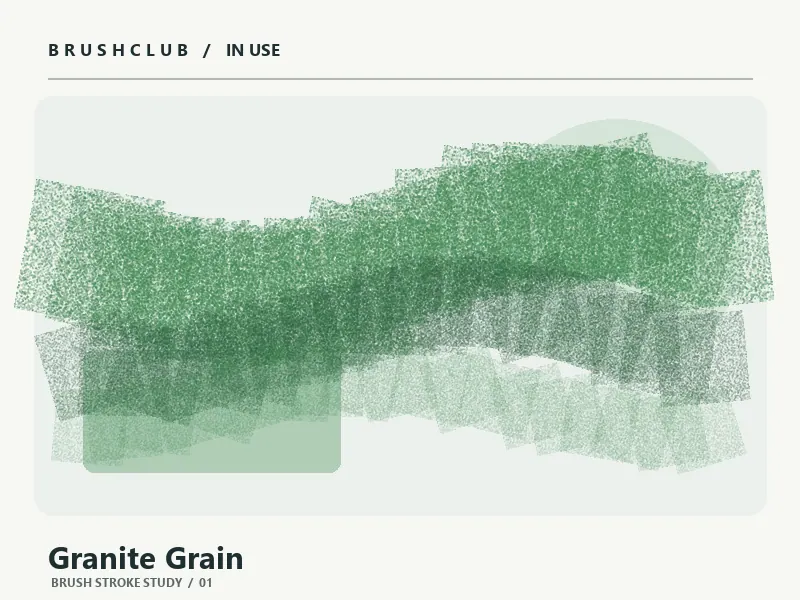
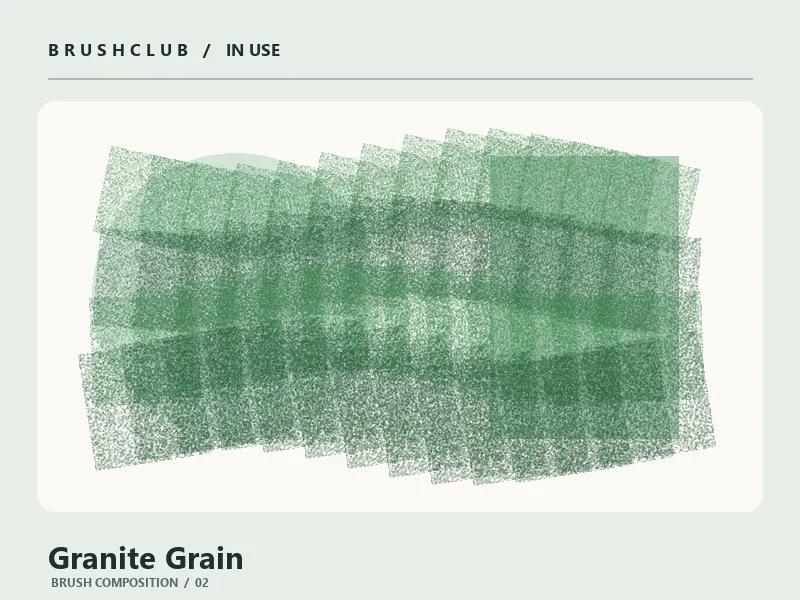
Usage examples
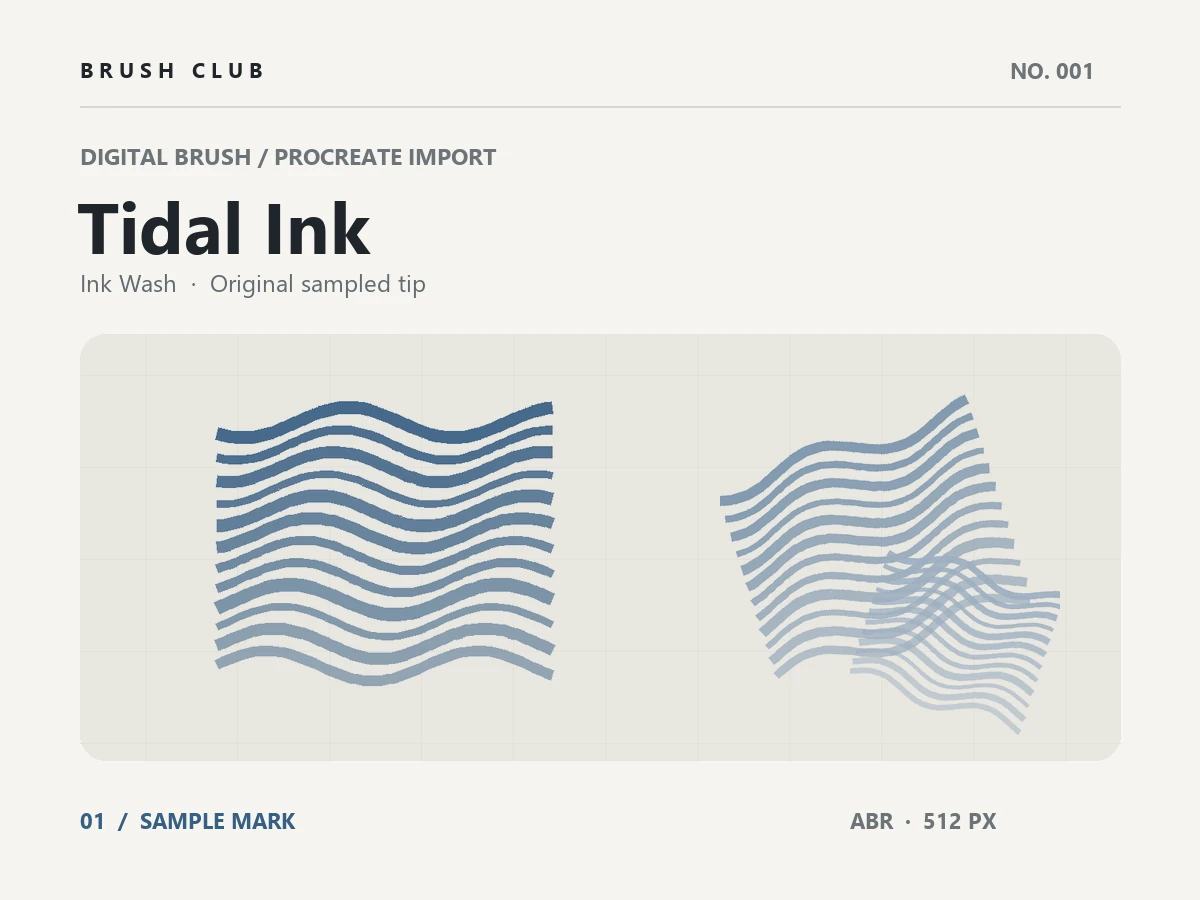
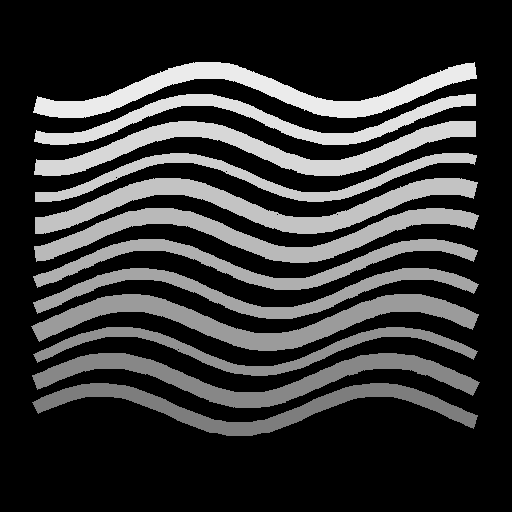
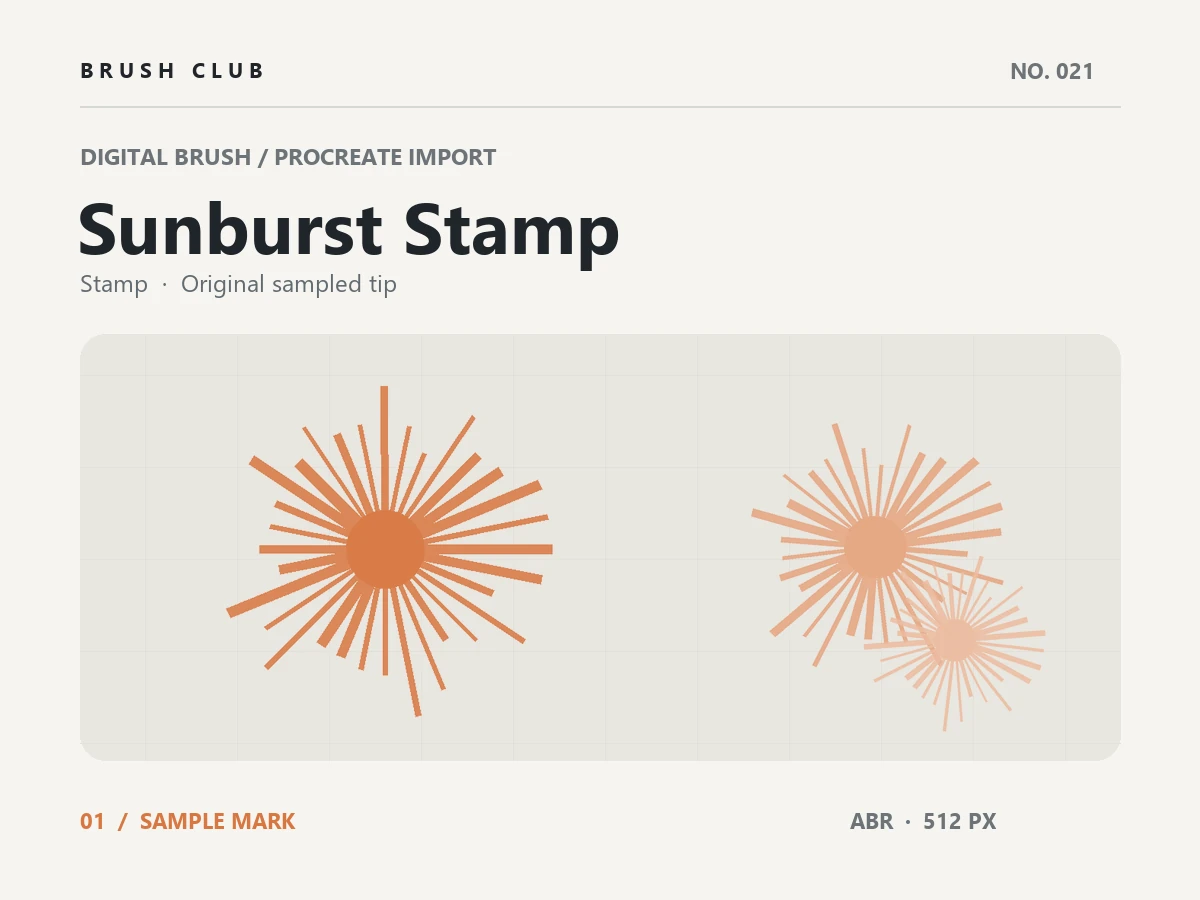
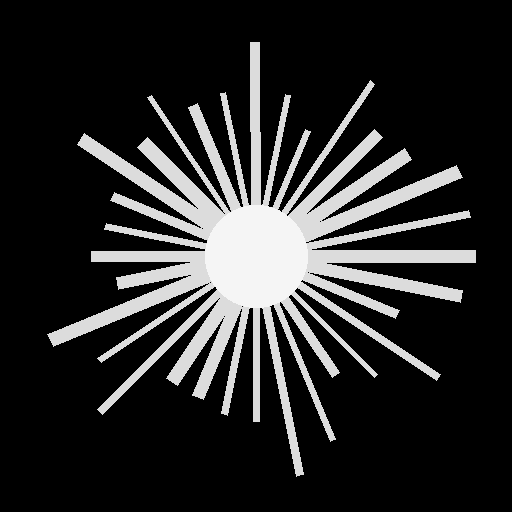
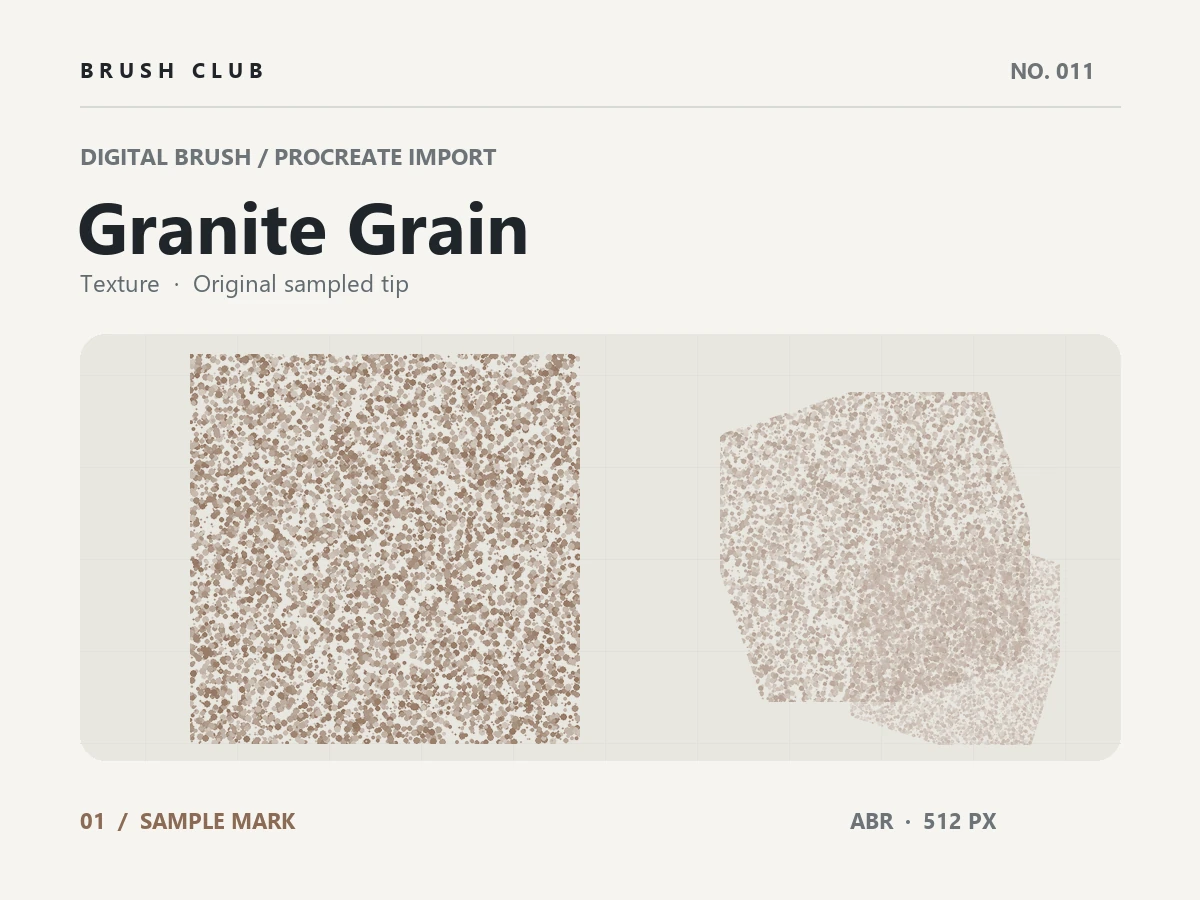
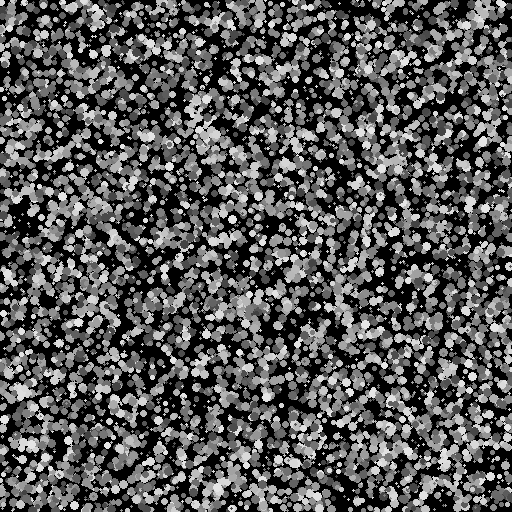
The sampled brush tip
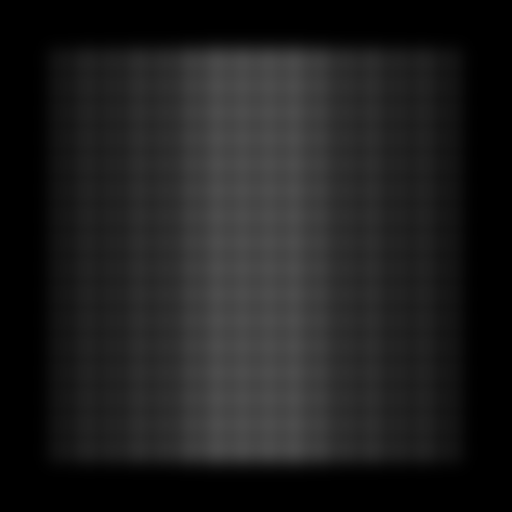
A look at the original shape that gives this ABR brush its character.
Halftone Dots — Soft
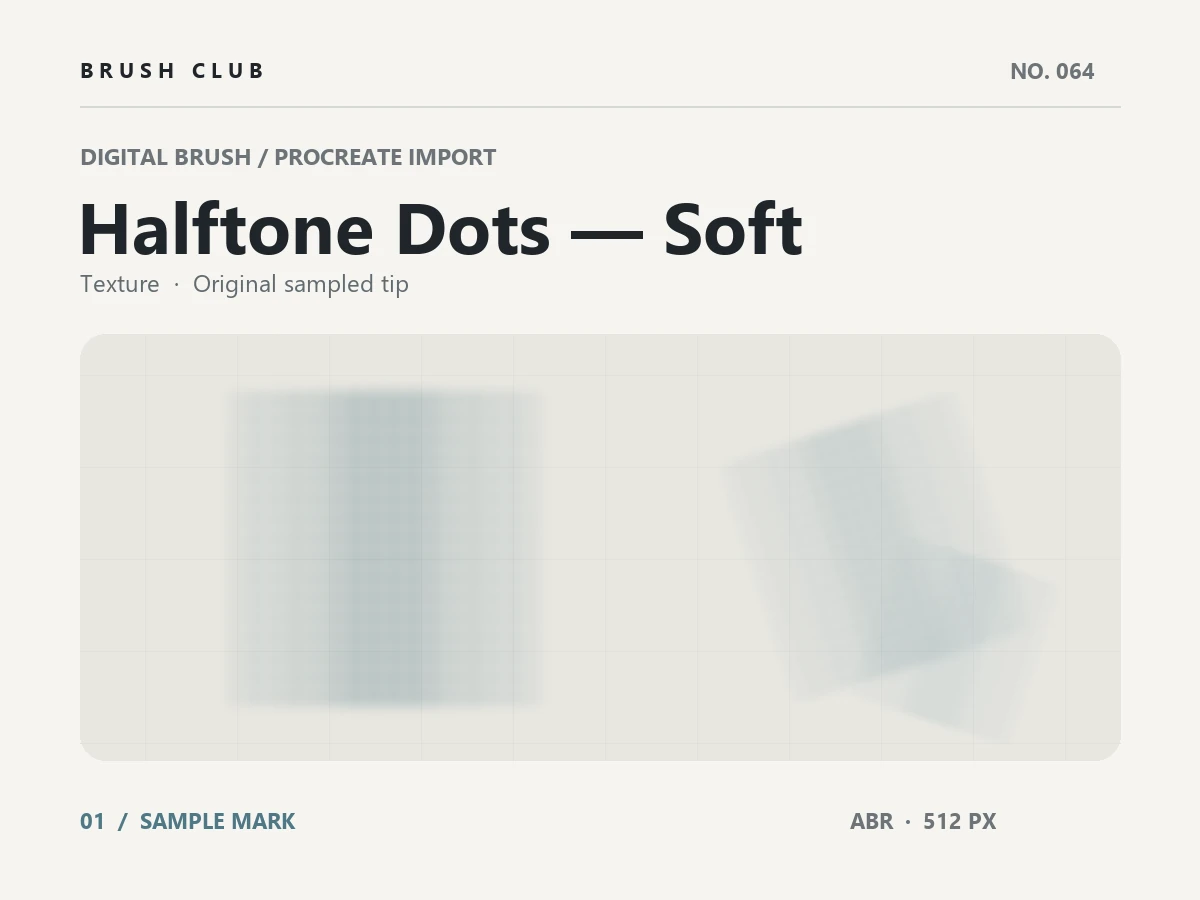
Halftone Dots — Soft is a Procreate-compatible ABR brush with a gentler edge that layers smoothly into existing color. Use it for atmospheric shading, backgrounds and subtle overlays.
About this brush
Halftone Dots — Soft is an original digital texture brush built from a 512-pixel sampled tip. It creates a gentler edge that layers smoothly into existing color, giving your artwork a distinct texture feel.
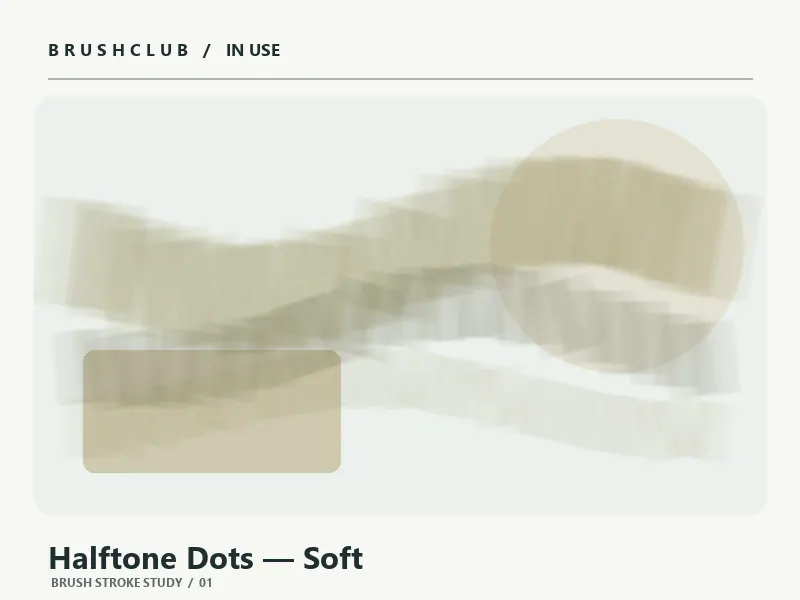
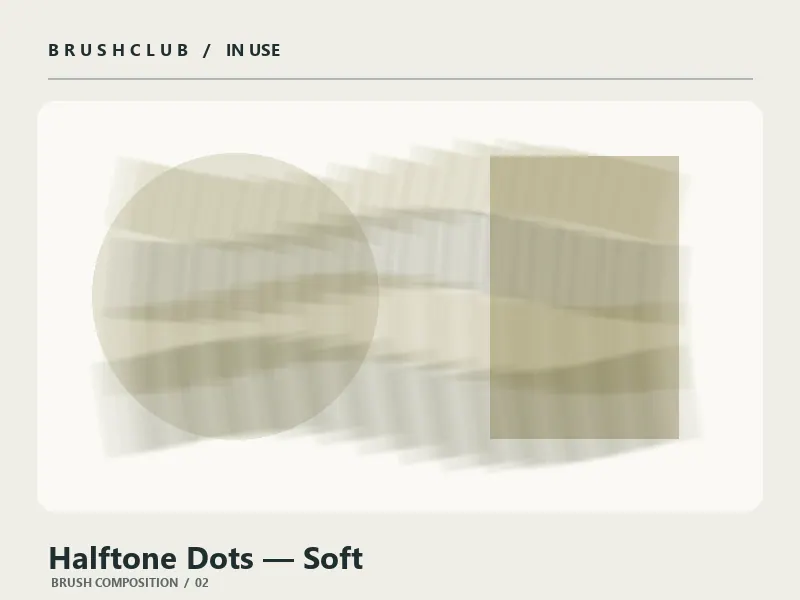
Use this brush for atmospheric shading, backgrounds and subtle overlays. Try it at different sizes and opacities to vary the weight of the mark, or layer several strokes to build depth and texture. The preview shows the shape and character of the included tip.
The download contains one .abr brush file. Import the ABR into Procreate’s Brush Library, test the mark on a new layer, and adjust its settings to suit your canvas.
How to use it
Download the .abr file and import it into Procreate’s Brush Library. Make a few test strokes on a new layer, then adjust size and opacity to fit your artwork. The preview shows the brush shape and its intended texture.
Comments
0Be the first to leave a comment.